


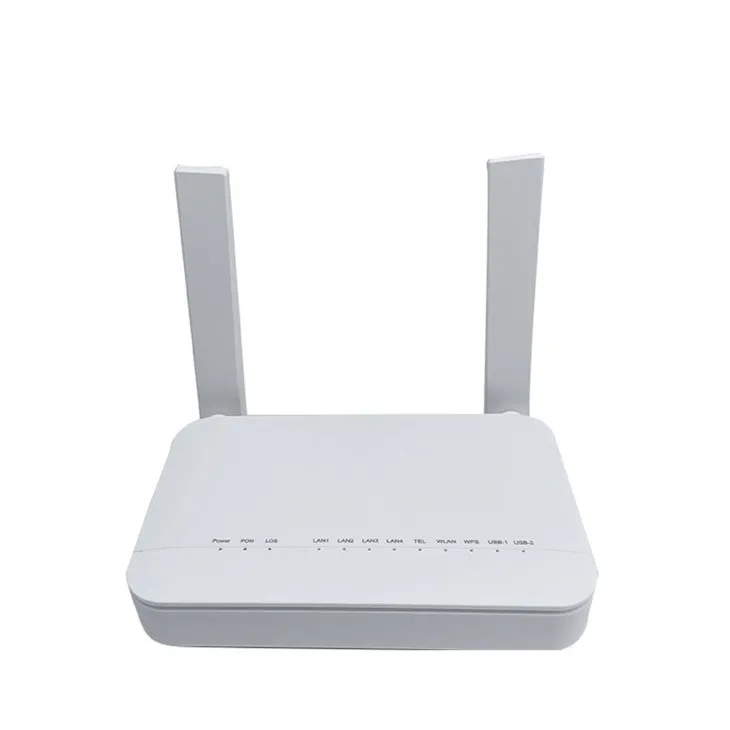
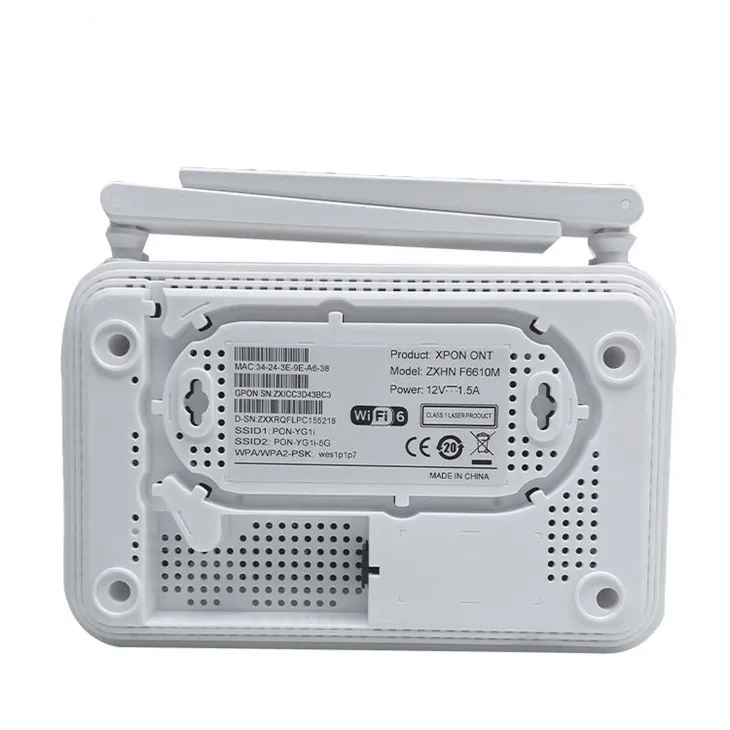

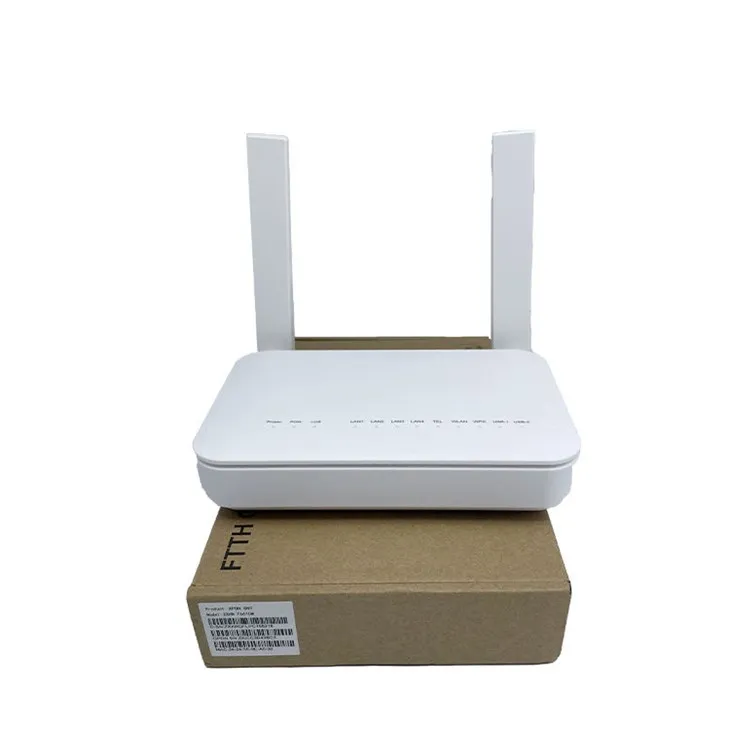
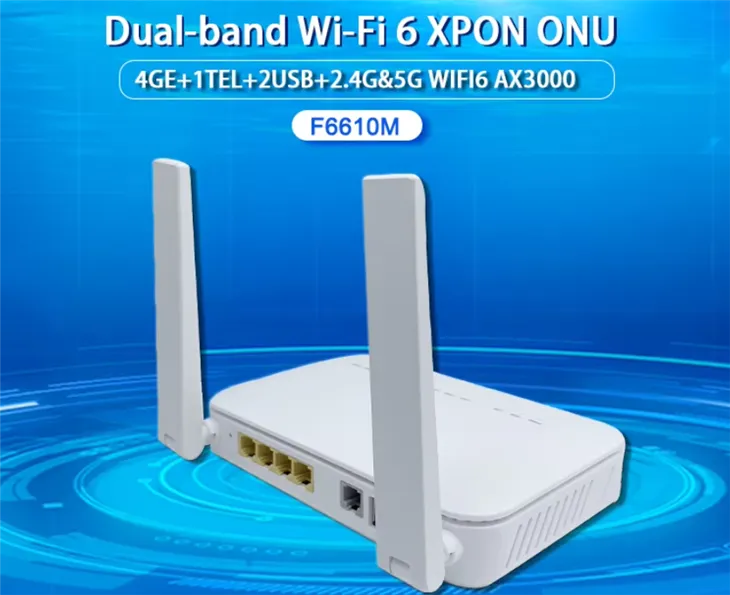
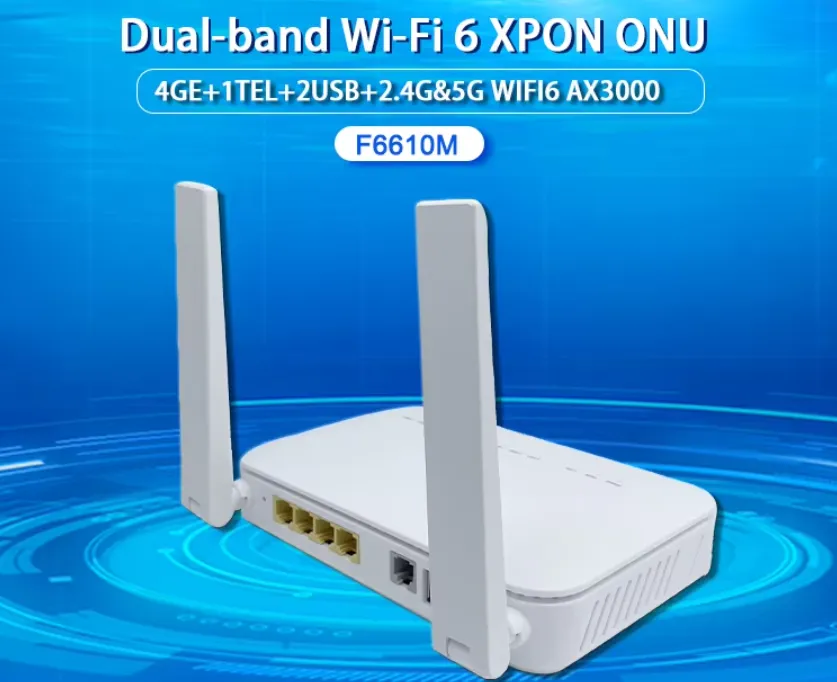
The ZTE F6610M Optical Fiber Onu has gigabit ports and high-speed network processing capabilities, supporting gigabit broadband access and applications. It adopts advanced Wi Fi 6 technology and provides a dual band 4x4 160MHz Wi Fi interface, enabling Wi Fi terminal speed measurement up to 1.8Gbps, far meeting the demand for "true gigabit". In addition, the ZTE F6610M optical onu modem is equipped with a 10G PON interface and a 10GE network port, with a network port speed of up to 10Gbps, further ensuring high-speed and stable network connectivity. These features enable the ZTE F6610M optical modem to meet the access and usage needs of gigabit broadband, providing users with the ultimate network experience
Products Features:
1. Powerful Wi Fi 6 technology
The ZTE F6610M Optical Fiber Onu supports the latest Wi Fi 6 standard, bringing faster transmission speeds, lower latency, and higher network capacity. Whether watching high-definition videos online, downloading large files, or playing multiplayer online games, you can feel silky smooth and say goodbye to lag and buffering.
2. Four Ethernet ports with full gigabit capacity to meet the needs of multiple devices
With four full gigabit Ethernet ports, the ZTE F6610M optical modem can easily connect to various devices such as your computer, smart TV, game console, etc., achieving high-speed and stable data transmission, allowing your home smart devices to interconnect and enjoy the convenience of digital life.
3. Coarse antenna design, strong signal and wide coverage
The unique coarse antenna version effectively enhances the transmission and reception capabilities of signals, greatly expanding the coverage range of wireless networks. Even if your home environment is complex, you can receive stable and strong signals in every corner, making the network ubiquitous.
4. Universal public version across the entire network, customizable nationwide
No matter where you are, the ZTE F6610M optical modem's gpon/epon dual-mode adaptive function and universal public version design can easily adapt to the network environment in your region. It can be changed to various regions across the country to flexibly meet your personalized needs.
5. Adequate stock, immediate ownership
We have over 1600 units in stock, so there is no need for long waiting times. Orders can be shipped quickly
|
Model |
Configuration |
Dimension/pcs |
||||
|
LAN |
Telephone |
Wifi |
USB |
Firmware |
||
|
F6610M |
4GE |
1TEL |
2.4G+5.8G WiFi 6 |
1USB |
English |
176m*138mm*28mm/320g |
Specification of F6610 Optical Fiber Onu
|
Model Number |
F6610 Optical Fiber Onu |
|
Specification |
4GE+1TEL+1USB++ 2.4G&5G WiFi |
|
WIFI signal |
2.4G&5GWiFi |
|
Wireless gain |
5db |
|
USB |
USB2.0 |
|
LAN |
4*10/100/1000Mbps adaptive Gigabit Ethernet ports, full/half duplex, RJ45 interface |
|
POT |
H248/Sip Voice protocol |
|
SUPPORT |
PPPOE,Route,Bridge,WAN IP Access,Muti SSID |
|
Firmware |
English |
|
Dimension/weight |
176m*138mm*28mm/320g |
|
Fiber port |
1XPON GPON interface, ingle-fiber, Downstream rate 2.5Gbps, Upstream rate 1.25Gbps |
|
Wavelength |
Tx 1310nm, Rx 1490nm |
|
Fiber interface |
SC/UPC/APC Dual mode/Singal mode |
|
RX sensitivity |
>-28dBm (1490nm) |
|
DC power |
12V 1.5A, external AC-DC power adapter |
|
Button |
Reset,power,WPS,Wireless |
|
Operation |
Working temperature: -5- +55℃ working humidity:10-90%(non-condensation) |
|
Storage |
Storage temperature: -30℃- +60℃ storage humidity: 10-90%(non-condensation) |
FAQ
How to obtain the super password for ZTE Optical Fiber Onu?
The specific operation steps are as follows:
1. Log in to the backend management interface of Telecom Optical ONU. The default login IP is 192.168.1.1, the username is useradmin, and the password can be found in the bottom tab or configuration file.
2. On the configuration file or backup file download page, find the file named dumpcfg.conf or backupsettings. conf and click download.
After downloading, open the file with Notepad or other text editor.
4. Search for "telecomadmin" in the file, usually the password is telecomadmin plus 8 digits.
5. Save and close the file.
6. Log in with the superuser account, username telecomadmin, and password as the superpassword found earlier.
After successful login, various parameters can be modified, such as routing function, bridging mode, and disabling iTV wireless signal.
Hot Tags: optical fiber onu, China optical fiber onu manufacturers, suppliers, SC Fiber Pigtail, OM4 Fiber Patch Cables, OM5 Fiber Patch Cords, FC Fiber Optical Attenuator, AN5506 02B Fiber ONU, Fiber Cleaver Kit


