

As a supplier of fiber ONU equipment, I often get asked a lot of questions from customers. One of the most common queries is, "Does FIBER ONU support QoS (Quality of Service)?" Well, let's dive into this topic and find out.
First off, let's briefly explain what QoS is. Quality of Service refers to the ability of a network to provide different levels of service to different types of traffic. In a nutshell, it's all about making sure that important data, like video calls or online gaming, gets priority over less critical stuff, such as regular web browsing or email.
Now, back to our main question: Does FIBER ONU support QoS? The short answer is yes. Most modern FIBER ONUs do support QoS features, and here's why it's a big deal.
Why QoS is Important for FIBER ONU
In today's digital age, we rely on the internet for a wide range of activities. From streaming high - definition videos to participating in virtual meetings, a stable and high - quality network connection is crucial. FIBER ONU, being the endpoint device that connects users to the fiber - optic network, plays a vital role in ensuring a good user experience.
QoS allows the FIBER ONU to manage network traffic effectively. For example, if you're in the middle of an important video conference and someone else in the house starts downloading a large file, QoS can prioritize the video conference traffic. This means that your video call won't get all pixelated or drop out, and you can continue your meeting without any major interruptions.
How FIBER ONU Implements QoS
There are several ways that FIBER ONU can implement QoS. One common method is through traffic classification. The ONU can analyze the type of traffic based on factors like the source and destination IP addresses, port numbers, and the application being used. For instance, if it detects that the traffic is coming from a video - streaming service like Netflix, it can assign it a higher priority.
Another way is through traffic shaping. This involves controlling the rate at which data is sent and received. The FIBER ONU can limit the bandwidth of less important traffic, such as background downloads, to ensure that more critical traffic has enough bandwidth to flow smoothly.
Benefits of QoS in FIBER ONU
- Enhanced User Experience: As mentioned earlier, QoS ensures that important applications run smoothly. Whether it's a video call, online gaming, or high - definition video streaming, users will notice a significant improvement in the quality of their experience.
- Efficient Network Utilization: By prioritizing traffic, QoS helps to make the most of the available network bandwidth. This means that the network can handle more users and applications without getting congested.
- Business - Friendly: For businesses, QoS is essential. It allows them to ensure that mission - critical applications, such as enterprise resource planning (ERP) systems or voice over IP (VoIP) services, have the necessary bandwidth and low latency.
Different Types of FIBER ONU and QoS
There are various types of FIBER ONU available in the market, such as GPON Fiber Onu, ONU for Optical Fiber, and ONU Modem Fiber Optic. Each type may have different QoS capabilities.
GPON (Gigabit - Passive Optical Network) ONUs are known for their high - speed data transmission and advanced QoS features. They can support multiple traffic classes and provide fine - grained control over network traffic.
ONU for optical fiber is a more general term that encompasses different types of ONUs. Depending on the specific model, it can offer varying levels of QoS support.
ONU Modem Fiber Optic combines the functions of a modem and an ONU. These devices are often used in residential and small - business settings and can provide basic QoS features to ensure a good user experience.
Configuring QoS on FIBER ONU
Configuring QoS on a FIBER ONU may seem a bit daunting, but it's actually quite straightforward. Most ONUs come with a web - based interface that allows users to access the configuration settings.
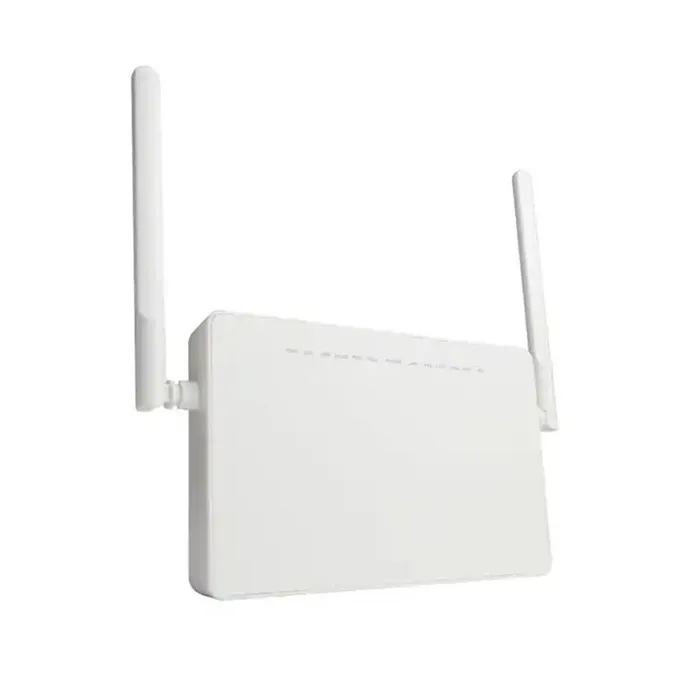

Here are the general steps to configure QoS:
- Log in to the ONU's web interface using a web browser. You'll usually need to enter a username and password.
- Navigate to the QoS settings section. This may be labeled as "Quality of Service," "Traffic Management," or something similar.
- Define the traffic classes. You can create different classes for different types of traffic, such as voice, video, and data.
- Set the priority levels for each traffic class. You can assign a higher priority to more important traffic.
- Save the settings and restart the ONU if necessary.
Conclusion
In conclusion, FIBER ONU does support QoS, and it's a feature that offers many benefits. Whether you're a residential user looking for a better streaming experience or a business owner in need of a reliable network for your operations, QoS can make a big difference.
If you're interested in purchasing FIBER ONU equipment with excellent QoS capabilities, feel free to reach out to us. We're here to help you find the right solution for your needs.
References
- Cisco Systems. (2023). Understanding Quality of Service.
- Juniper Networks. (2023). QoS Fundamentals.