

Hey there! As a supplier of fiber ONUs, I've been dealing with traffic data analysis for quite a while. And let me tell you, it's a crucial part of ensuring that our ONUs are performing at their best. In this blog, I'm gonna share with you how to analyze the traffic data of a fiber ONU.
Why Analyze Traffic Data?
First off, you might be wondering why we even need to analyze the traffic data of a fiber ONU. Well, there are a few reasons. For starters, it helps us understand how our ONUs are being used. We can see what kind of traffic is flowing through them, like whether it's mostly web browsing, video streaming, or something else. This info is super valuable because it allows us to optimize the performance of our ONUs.
Secondly, traffic data analysis can help us detect any issues early on. If we notice a sudden spike in traffic or a strange pattern, it could be a sign of a problem, like a network attack or a malfunctioning device. By catching these issues early, we can take action to fix them before they cause any major headaches.
Getting the Traffic Data
Before we can start analyzing the traffic data, we need to get our hands on it. Most modern fiber ONUs come with built - in monitoring tools that can collect traffic data. These tools can track things like the amount of data sent and received, the number of packets, and the bandwidth usage.
Some ONUs also support SNMP (Simple Network Management Protocol), which allows us to remotely access and collect traffic data. This is really handy if you have a large number of ONUs deployed in different locations. You can use an SNMP manager to pull the data from all the ONUs and store it in a central database for further analysis.
Tools for Traffic Data Analysis
Once we have the traffic data, we need to use some tools to analyze it. There are several options out there, and the choice depends on your specific needs and budget.
One popular tool is Wireshark. It's an open - source network protocol analyzer that can capture and display network traffic in real - time. With Wireshark, you can see the details of each packet, including the source and destination IP addresses, the protocol used, and the payload. This can be really useful for troubleshooting network issues and understanding the traffic patterns.
Another option is Nagios. It's a monitoring system that can be used to monitor the performance of network devices, including fiber ONUs. Nagios can collect traffic data, set up alerts for abnormal traffic patterns, and generate reports. It's a great tool for keeping an eye on the overall health of your network.
Analyzing the Traffic Data
Now, let's get into the actual analysis of the traffic data. Here are some key aspects to look at:
Bandwidth Usage
One of the most important things to analyze is the bandwidth usage. You want to know how much of the available bandwidth is being used by the ONU. If the bandwidth usage is consistently high, it could mean that the ONU is overloaded, and you might need to upgrade it or optimize the network.
You can calculate the average, peak, and minimum bandwidth usage over a certain period of time. This will give you a better understanding of the traffic patterns and help you plan for future capacity upgrades.
Traffic Patterns
Analyzing the traffic patterns can also provide valuable insights. For example, you might notice that there is a lot of traffic during certain hours of the day. This could be due to users streaming videos or doing other bandwidth - intensive activities. By understanding these patterns, you can optimize the network to handle the peak traffic more efficiently.
You can also look at the types of traffic, such as HTTP, FTP, or VoIP. Different types of traffic have different requirements, and you might need to prioritize certain types of traffic over others. For example, VoIP traffic requires low latency, so you might want to ensure that it gets enough bandwidth.
Packet Loss and Latency
Packet loss and latency are two important metrics that can affect the performance of the network. Packet loss occurs when packets are dropped during transmission, and latency is the delay between the sending and receiving of a packet.
High packet loss and latency can cause problems like poor video quality, dropped calls, and slow web browsing. By analyzing the traffic data, you can identify the sources of packet loss and latency and take steps to fix them. For example, it could be due to a faulty cable or a misconfigured router.
Using the Analysis Results
Once you've analyzed the traffic data, it's time to use the results to improve the performance of the fiber ONU. Here are some things you can do:
- Optimize the Network Configuration: Based on the traffic patterns and bandwidth usage, you can adjust the network configuration to ensure that the ONU is using the bandwidth more efficiently. This might involve changing the QoS (Quality of Service) settings or upgrading the network equipment.
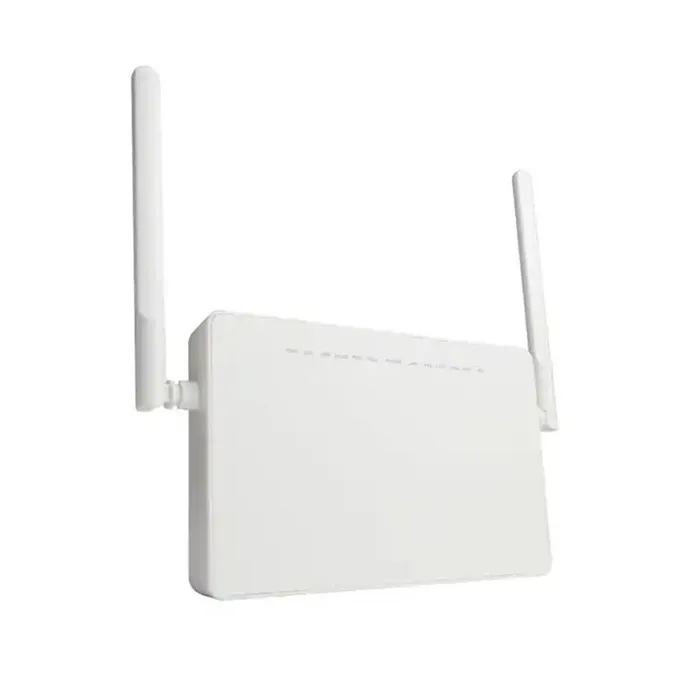
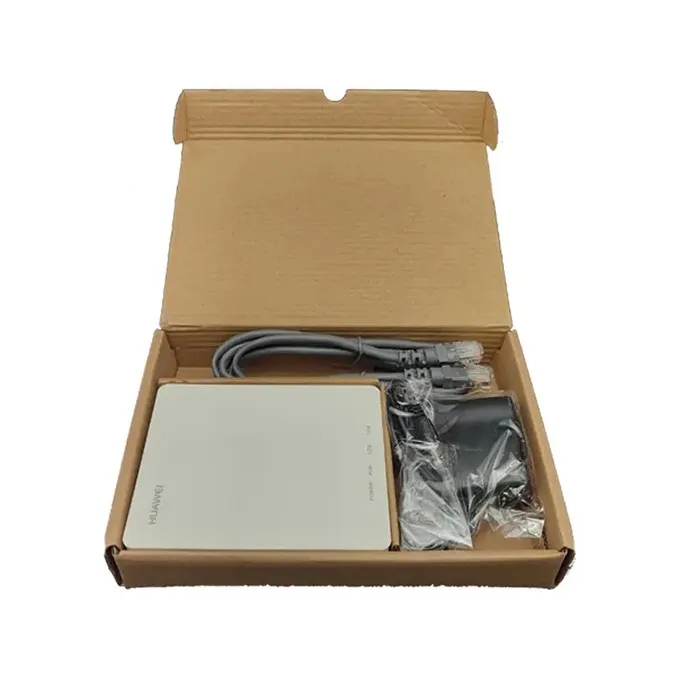
- Upgrade the ONU: If the traffic analysis shows that the ONU is consistently overloaded, it might be time to upgrade it to a more powerful model. We offer a range of high - performance XPON Fiber ONU and GPON EPON Ont that can handle higher traffic volumes.
- Provide Better Support: By understanding the traffic patterns and issues, you can provide better support to your customers. You can proactively address any potential problems and ensure that the network is running smoothly.
Contact Us for Your Fiber ONU Needs
If you're in the market for a reliable fiber ONU, look no further. We're a leading supplier of ONU for Optical Fiber, and we have a wide range of products to meet your needs. Whether you need a simple ONU for a home network or a high - performance ONU for a business network, we've got you covered.
Our team of experts can also help you with traffic data analysis and network optimization. We'll work with you to ensure that your network is running at its best and that you're getting the most out of your fiber ONU. So, if you're interested in learning more about our products or services, don't hesitate to contact us. We're here to help you take your network to the next level.
References
- "Network Traffic Analysis: Principles and Practice" by Richard A Deal
- "Wireshark Network Analysis: The Official Wireshark Certified Network Analyst Study Guide" by Laura Chappell and Gerald Combs